


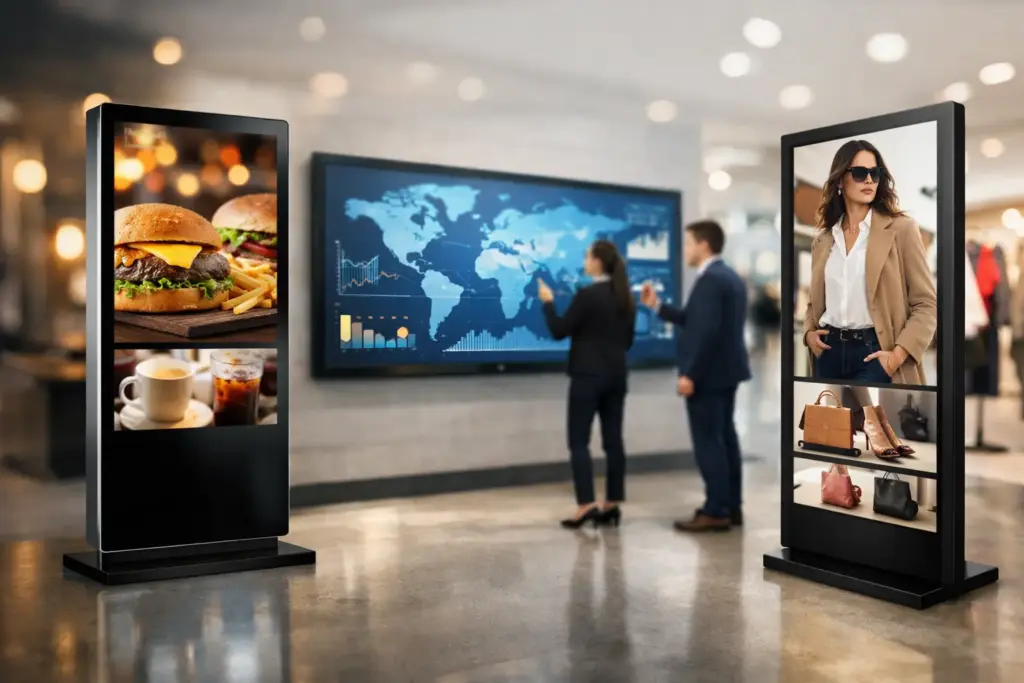
A lobby screen that shows yesterday’s promotion, a menu board that is unreadable in sunlight, or a meeting-room display that needs restarting every morning all create the same problem: technology that looks inexpensive at purchase becomes costly in operation. Digital signage displays need to earn their place through visibility, uptime, simple management, and a fit with the environment where people will actually see them.
For IT teams, facilities managers, and procurement leaders, the goal is not simply to buy a larger screen. It is to create a reliable communications channel for employees, visitors, customers, students, or patients – one that can be managed consistently across one location or hundreds.
What separates commercial digital signage displays from TVs?
A consumer television can be tempting for a small, low-use application. It is often readily available and carries an attractive upfront price. But a commercial display is designed for a different workload and purchasing standard.
Commercial digital signage displays are built for long operating hours, typically 16/7 or 24/7 depending on the model. They use panels engineered for sustained brightness, include commercial-grade connectivity and controls, and are supported by warranties intended for business use. Many also include scheduling, remote monitoring, orientation support, and integrated media-player options that reduce the number of devices behind the screen.
That distinction matters most in public-facing and mission-critical locations. A screen in a reception area, retail window, transportation hub, school corridor, or production floor cannot be treated as a disposable TV. If it fails during business hours, the message disappears and the replacement process consumes staff time.
Commercial models also give organizations a stronger path to standardization. When every site uses compatible display families, mounting patterns, remote-control settings, content players, and warranty processes become easier to manage. The initial savings from buying mismatched screens can quickly disappear when every location needs a different fix.
Start with the viewing environment
Screen size should follow viewing distance, available wall space, and the amount of information on screen. A 55-inch display may be ideal for a reception message board viewed from several feet away, while a 75-inch or 86-inch display can make more sense in a large lobby, cafeteria, lecture room, or open office. Bigger is not automatically better if viewers are standing close to the screen or the content consists of small, dense text.
Brightness is equally critical. Indoor displays commonly suit offices, classrooms, meeting spaces, and controlled retail environments. However, screens near storefront windows, glass atriums, bright entrances, or strong overhead lighting may need a high-brightness panel. A standard indoor display in direct sunlight can look washed out, regardless of how good the creative appears on a designer’s monitor.
Consider these environmental questions before selecting a model:
- Will the display run for a few hours each day, 16 hours, or continuously?
- Is the screen installed in landscape or portrait orientation?
- Will it face natural light, glare, dust, heat, or public contact?
- Does the installation need a wall mount, ceiling mount, kiosk enclosure, or video wall structure?
- Can staff safely access the display for service without disrupting the space?
These details determine the right panel class and installation method. They also prevent costly redesigns after a screen has already been mounted.
Orientation changes the content plan
Portrait displays are effective for wayfinding, promotions, elevator banks, menu boards, and social-style content. Landscape screens suit corporate announcements, dashboards, video, presentation material, and broad menu layouts. The choice should be made with the content owner, not only the installer.
A portrait screen running landscape slides with large empty areas is a missed opportunity. Conversely, forcing detailed dashboard content into portrait orientation can make the information difficult to read. Choose the orientation that serves the message, then confirm that the display is rated to operate that way.
Choose the right display type for the job
Most business signage projects fall into a few practical categories. Standard commercial displays work well for internal communications, meeting-room signage, reception areas, classroom notices, and retail promotions. High-brightness displays are better suited to window-facing applications and brightly lit public spaces.
Interactive touch displays are useful when the viewer must search, select, check in, browse products, or access building information. They can support self-service in retail, visitor management, education, and corporate environments, but they require a thoughtful user interface and a plan for cleaning and support.
Video walls create impact in executive briefing centers, control rooms, flagship retail spaces, and large public venues. Their trade-off is greater design complexity. Display bezel width, mounting precision, content resolution, service access, heat management, and controller selection all need to be addressed before procurement.
For specialized use cases, outdoor-rated displays, all-in-one LED walls, stretch displays, and kiosk solutions may be more appropriate than a conventional panel. The best option depends on audience behavior and installation conditions, not simply on what looks most impressive in a product catalog.
Content management is the operating system of signage
A display without a practical content workflow becomes a static digital poster. The display hardware, media player, and content management system should be treated as one solution.
For a single site, an integrated system with straightforward scheduling may be sufficient. For multi-site organizations, a centralized platform can allow authorized users to publish by location, screen group, time of day, or campaign. This is especially valuable for retail chains, school districts, healthcare networks, distributed offices, and franchise operations that need local relevance without giving up brand control.
The right platform should support the content formats your team uses, including images, video, web pages, dashboards, and data-driven feeds where appropriate. It should also make it easy to set display schedules, assign user permissions, and verify whether a screen is online. Remote device monitoring can save substantial time when signage is deployed across multiple facilities.
Keep the content disciplined. Short messages, clear type, strong contrast, and a visible call to action perform better than overcrowded slides. If someone has only five seconds to absorb the screen, they should understand the main point without reading a paragraph.
Do not ignore network and security requirements
Signage is connected technology. Before rollout, confirm whether displays or players will use wired Ethernet, Wi-Fi, or a dedicated network segment. Assess bandwidth for video content, firewall requirements, device credentials, remote-management policies, and software-update processes.
IT teams should also decide who owns each task. Facilities may manage physical access, marketing may create campaigns, internal communications may approve messages, and IT may control the network and device platform. Clear ownership avoids the familiar result of a screen that is installed but never updated.
Build a deployment plan that supports growth
The most successful projects begin with a pilot. Test one or two displays in representative environments, validate brightness and viewing angles, measure network performance, confirm content workflows, and gather feedback from local users. A pilot often reveals practical issues that are not obvious on a floor plan, such as glare at a certain hour or insufficient clearance for a service technician.
From there, standardize the bill of materials. Use approved display sizes, mounts, players, cables, and configuration settings wherever possible. Standardization improves buying power, speeds up installations, and reduces the spare inventory required to keep screens operational.
Installation quality matters as much as panel selection. Proper mounts, cable management, power access, ventilation, and secure device placement affect reliability and the finished appearance. In public areas, consider tamper resistance and safety. In offices and classrooms, ensure the screen does not obstruct sightlines, access paths, or fire-safety equipment.
A specialist supplier can add value here by aligning display selection, mounting hardware, playback devices, installation, and ongoing technical support under one commercial plan. e365 SuperStore supports buyers who need more than a box delivered to a loading dock – especially when projects involve multiple rooms, sites, or technology standards.
Calculate value beyond the screen price
A lower-priced display is not always the lower-cost option. Evaluate total cost over the expected service life, including installation, player hardware, content software, licensing, network changes, energy use, support, and replacement coverage. A commercial screen with a longer operating rating and appropriate business warranty may protect the budget more effectively than a consumer alternative replaced after early failure.
Also consider the cost of missed communication. In retail, an offline promotion can affect sales. In a workplace, outdated safety information or event messaging can reduce trust. In education, poorly located screens can leave students without timely updates. Reliability has a direct operational value.
The strongest digital signage program is one that people notice without needing to think about the technology behind it. Specify for the environment, standardize what you can, and give content owners a system they can use confidently. Then your displays can keep doing their job: delivering the right message, in the right place, at the right time.