


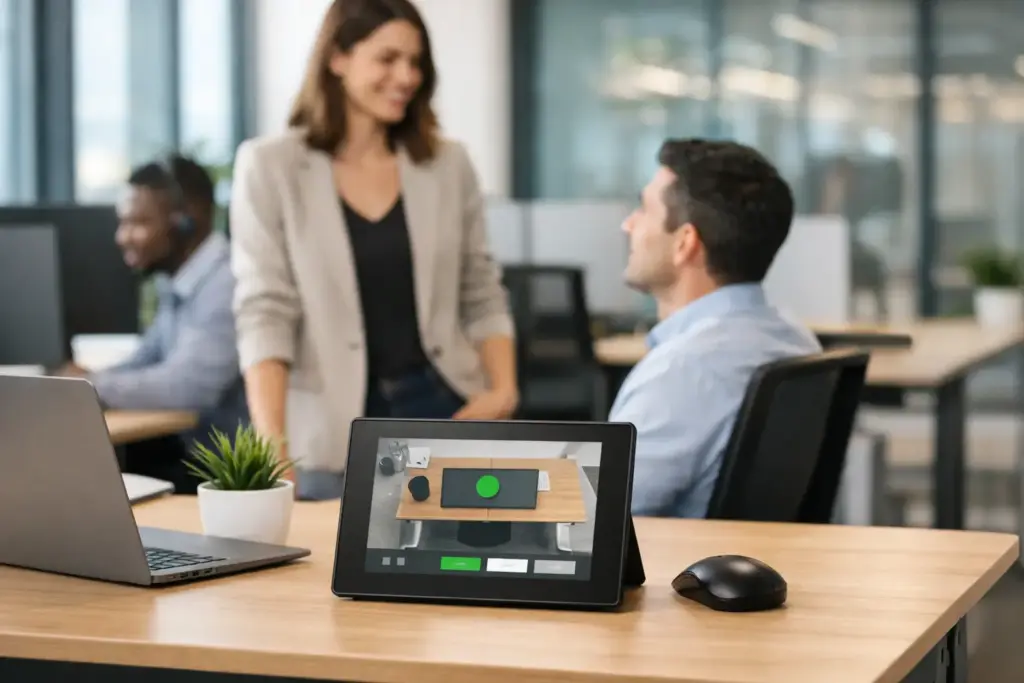
A desk that looks empty is not always available. An employee may have reserved it for the afternoon, stepped into a meeting, or simply be working elsewhere. Without a clear signal at the desk, hybrid offices create uncertainty, wasted time, and avoidable friction. Desk booking displays put live booking status exactly where people need it – at the workspace itself.
For facilities leaders and IT teams, these compact displays are more than a convenience feature. They are a practical layer of workplace infrastructure that helps employees find the right seat, protects reserved spaces, and gives organizations cleaner data on how their office is actually being used.
What Desk Booking Displays Solve
A desk booking platform can show availability on a floor map or mobile app, but employees still need confirmation when they arrive at a workspace. A display mounted at the desk closes that gap. It can show whether a desk is available, reserved, occupied, or due to be released because the user did not check in.
That visibility matters most in offices with unassigned seating, neighborhood-based work areas, shared desks, touchdown zones, and hot-desking policies. Instead of asking colleagues whether a workstation is free or settling into a desk that is reserved for someone else, employees can make a decision in seconds.
The operational benefits are equally clear. Desk booking displays can reduce disputes over spaces, support workplace policies consistently, and encourage employees to cancel bookings they no longer need. When connected to the right software, they also provide more reliable occupancy information than booking data alone. A reservation does not necessarily mean a person showed up.
For larger organizations, this distinction affects real estate decisions. If booked desks regularly remain vacant, the issue may be poor booking behavior rather than a shortage of space. If desks are consistently occupied and nearby zones are full, expansion or reconfiguration may be justified.
How Desk Booking Displays Work
Most desk displays use a small screen with clear color cues, typically green for available and red for reserved or occupied. The best units remain readable from a short distance and present only the information an employee needs: desk status, reservation timing, and an option to check in, end a booking, or reserve the desk.
The device connects to a desk management platform over Wi-Fi, Ethernet, or both. Depending on the model and software environment, it may support touch interaction, NFC or RFID badge tap, QR code check-in, motion sensing, or a simple status-only screen.
Status-only vs. interactive displays
A status-only display is often the right choice for straightforward desk environments. It shows a clear availability state and may rely on the booking app, calendar, or QR code for any action. These devices are generally easier to deploy, less expensive, and well suited to high-volume installations.
Interactive desk booking displays add touch controls, on-screen reservation options, and check-in features. They are better suited to premium workspaces, executive areas, activity-based offices, or organizations trying to improve booking compliance. The trade-off is greater cost, more device management, and a stronger need for consistent user training.
The right choice depends on behavior, not just budget. If employees already use a workplace app reliably, a status display may be sufficient. If no-show bookings are a persistent problem, an interactive display with badge authentication or timed check-in can deliver a stronger return.
Choose Hardware for the Way Your Office Operates
A desk display should be selected as part of a workplace solution, not as an isolated screen purchase. The hardware has to fit the furniture, power plan, network design, booking platform, and employee experience.
Start with mounting. Some displays attach directly to a desktop, while others mount to privacy screens, desk dividers, monitor arms, or fixed surfaces. In a sit-stand desk environment, cable routing and mounting flexibility matter. A poorly placed device can interfere with desk adjustment, create cable strain, or become difficult to see when the workstation is raised.
Power is another early decision. Battery-powered displays reduce installation work and can make large-scale rollouts faster, especially in existing offices. However, batteries need a replacement or charging plan, and device health must be monitored. USB-powered or PoE-connected units offer more predictable long-term operation but may require furniture modifications, electrical work, or structured cabling.
For enterprise deployments, look beyond screen size. Consider these practical requirements:
- Compatibility with your desk booking and workplace experience platform
- Centralized device enrollment, monitoring, and remote updates
- Wi-Fi security support and reliable network performance in dense office areas
- Clear LED indicators that remain visible without being distracting
- Durable construction for shared, high-contact workplace environments
- Warranty coverage and local technical support for ongoing operations
A display that looks impressive on a product page is not necessarily suitable for hundreds of desks. Procurement teams should ask how the device is configured at scale, whether settings can be applied in bulk, and what happens when a unit loses connectivity or power.
Match the Display to Your Booking Platform
Integration is the deciding factor in most desk booking display projects. The device must work with the platform employees use to locate and reserve workspaces, whether that is a dedicated workplace management system or a collaboration ecosystem connected to Microsoft 365, Microsoft Teams, Google Workspace, or another identity environment.
Confirm whether the display receives real-time reservation updates, supports user authentication, and can trigger check-in or auto-release workflows. It is also worth checking how the platform treats recurring bookings, desk swaps, guest access, and reservations made through a mobile app versus a calendar interface.
Do not assume every display supports every software platform equally. Some products are designed for a specific workspace ecosystem, while others offer broader compatibility through certified integrations. A technically possible connection is not always a supportable one. For a multi-site organization, supported integrations and a clear escalation path are more valuable than a custom workaround.
Privacy deserves attention as well. Desk displays should communicate availability without exposing unnecessary personal information. In many workplaces, showing a first name, booking time, or team is acceptable. In others, a simple reserved status is the better policy. Set this standard before the rollout rather than leaving it to individual departments.
Plan the Rollout Before Ordering Hardware
The strongest deployments begin with a pilot. Select one team area or floor with genuine hybrid demand, then test desk booking displays across different desk types, network conditions, and user groups. Measure more than device uptime. Watch for no-shows, confusion around check-in, unauthorized desk use, and whether employees can understand the status colors at a glance.
A pilot also reveals where the booking policy is unclear. For example, should a reservation be released after 15 minutes or 30? Can employees reserve a desk for a full week? Are team neighborhoods protected, or can anyone book any open desk? Technology can enforce a policy, but it cannot repair a policy that employees find unreasonable.
Once the rules are established, standardize the deployment. Use consistent display placement, naming conventions, status colors, firmware controls, and support documentation. In large offices, a desk ID should align across the display, floor map, booking platform, asset register, and facilities records. That makes troubleshooting far faster when a desk is moved, renamed, or taken out of service.
Employee communication should be brief and practical. Explain how to reserve a desk, how to check in, when bookings expire, and how to release a workspace. The display itself should make most actions obvious, but a short launch message and on-floor signage can prevent the first week of confusion.
Build a Business Case Around Utilization, Not Screens
The price of a desk booking display is only one part of the project cost. Include software licensing, installation, network readiness, mounting accessories, configuration, and support. Battery models may lower upfront installation costs, while wired models can reduce maintenance in the long run. There is no universal winner.
The business case is strongest when desk displays support a measurable workplace objective. That may be reducing desk conflicts, increasing check-in compliance, consolidating underused office areas, or giving employees confidence that they can find a suitable workstation on office days.
For a commercial buyer, the best outcome is a standardized solution that can be replenished, supported, and expanded as the workplace changes. That is why professional sourcing matters. The right display, correctly integrated and deployed with a clear policy, delivers more value than a collection of low-cost screens with no operational plan.
A well-managed hybrid office should not make employees guess where they belong. Put the booking status at the desk, make the rules easy to follow, and let every workspace work harder.