


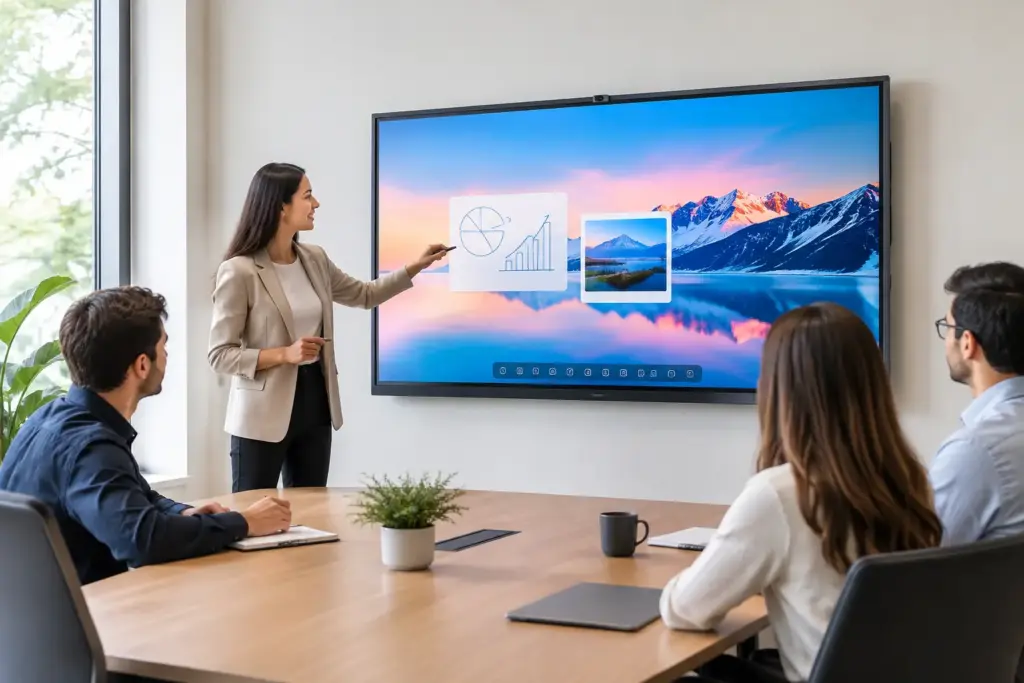
A meeting room screen is only useful when people can walk in, connect quickly, and collaborate without calling IT. The latest touch boards from MAXHUB are designed for exactly that job: combining an interactive display, whiteboarding surface, presentation screen, and video collaboration endpoint into one commercial-grade solution.
For organizations standardizing rooms, the decision is not simply about screen size or touch points. It is about choosing the right operating model, computing option, conferencing workflow, and support plan for the people who will use the room every day. MAXHUB’s interactive display range gives IT and facilities teams flexible options, but the best fit depends on whether the space is a small huddle room, executive boardroom, training suite, or active classroom.
What the Latest MAXHUB Touch Boards Bring to Commercial Spaces
Modern interactive flat panels have moved well beyond the role of a digital projector replacement. MAXHUB touch boards are built to support annotation, screen sharing, video meetings, file access, and collaborative whiteboarding from a single front-of-room display. That consolidation can reduce cable clutter and simplify the experience for staff and visitors.
The newest MAXHUB platforms commonly center on 4K interactive displays with multi-touch capability, integrated speakers, front-facing connection options, and Android-based collaboration tools. Depending on the model and configuration, buyers may also add a Windows OPS computing module, a dedicated room PC, or an integrated conferencing camera and microphone solution.
That flexibility matters. A classroom may need simple annotation, browser access, and wireless sharing from many devices. A boardroom may need an all-in-one Microsoft Teams Rooms or Zoom Rooms experience, centralized management, and a camera setup that frames participants accurately. Buying the same panel for both environments can be efficient, but only if the chosen configuration meets the needs of each room type.
Choosing the Right MAXHUB Touch Board Series
MAXHUB’s current interactive display portfolio includes different feature levels and room-use priorities. Product availability, screen sizes, and software bundles can change, so procurement teams should confirm the exact specification before standardizing across multiple sites.
For everyday collaboration and training
A general-purpose interactive panel is often the sensible choice for meeting rooms, training rooms, and teaching spaces where users need a responsive writing experience, clear 4K content, and straightforward screen sharing. These displays suit organizations replacing aging projectors or introducing a consistent digital whiteboard experience across rooms.
For these spaces, do not over-specify the system. If the room does not host frequent video meetings, investing heavily in advanced camera intelligence or a dedicated room appliance may not deliver a meaningful return. Prioritize a suitable screen size, easy device connection, warranty coverage, and a mounting solution that works with the room layout.
For video-enabled meeting rooms
Executive rooms and hybrid collaboration spaces have a different requirement. Here, the touch board is part of a broader conferencing system. Camera placement, microphone pickup, room acoustics, network access, and platform certification all influence the experience as much as the display itself.
MAXHUB’s higher-spec collaborative displays and integrated conferencing options can help reduce the number of separate components in a room. The trade-off is that all-in-one systems require more careful planning. If a built-in camera position does not suit a long boardroom table, or if the room has difficult acoustics, a separate camera and audio system may provide a better result.
For larger rooms and presentation spaces
A 55-inch panel can work well in a small meeting room, but it will struggle in a room built for 12 people. For medium and larger spaces, 65-inch, 75-inch, and 86-inch interactive displays are usually more appropriate. Viewing distance, table depth, ambient light, and the amount of onscreen detail all matter.
A larger touch board is not automatically better. A screen that dominates a compact room can be uncomfortable to use and may make video participants appear oversized. Conversely, choosing too small a display makes shared spreadsheets, CAD drawings, lesson content, and video calls harder to follow. Assess the room rather than buying by habit.
The Deployment Decisions That Matter Most
The strongest interactive display deployment starts before the order is placed. A touch board should be considered alongside the room’s furniture, power, data cabling, wireless coverage, conferencing platform, and support model.
Four questions should guide the specification process:
- Will users run Microsoft Teams, Zoom, BYOD meetings, or a mix of workflows?
- Is an integrated Android experience enough, or does the room need Windows applications through OPS or an external PC?
- How will people share content: HDMI, USB-C, wireless casting, or all three?
- Who will manage updates, user access, and support once the displays are deployed?
The answer to the Windows question is particularly important. Android-based interactive displays are effective for whiteboarding, presentations, and many collaboration tasks. However, organizations with specialized Windows applications, complex document workflows, or strict desktop management policies may need an OPS PC or connected room computer. That adds cost, but it can make the system more familiar and easier to govern.
USB-C is another practical feature worth examining. A single USB-C connection can provide video, touchback control, and charging for compatible laptops. For teams that regularly present from their own devices, this can be more reliable than expecting every guest to install a wireless sharing app or join the corporate network.
How MAXHUB Fits Microsoft Teams and Zoom Strategies
Many businesses are trying to make every meeting room work consistently with their chosen video platform. An interactive display can support that goal, but buyers should distinguish between a display that can show a Teams or Zoom meeting and a properly designed room system with the right licensing, control interface, camera, audio, and management tools.
For a simple BYOD room, a MAXHUB touch board connected to a user laptop may be enough. It keeps capital costs down and gives staff access to familiar apps. The limitation is that each meeting depends on the presenter’s laptop, adapters, account access, and technical confidence.
For high-use rooms, a dedicated room solution is usually the better operational choice. It can provide one-touch meeting join, a consistent calendar experience, and fewer connection issues at the start of meetings. Pairing the touch display with purpose-built conferencing hardware also makes it easier to standardize support across multiple rooms.
Education environments may take a different approach. Teachers often need a panel that works independently for annotation and content delivery, while still allowing a laptop or document camera to connect when required. In that case, a flexible interactive display with simple front-of-room connectivity can be more useful than a conference-room-first setup.
Installation and Support Are Part of the Purchase
A commercial touch board is a room asset, not a boxed consumer TV. Wall type, mounting height, cable paths, power location, network requirements, and accessibility all affect the finished result. A poorly positioned display creates daily frustration, even when the hardware itself is excellent.
For multi-room rollouts, it pays to establish a repeatable room standard. Define the display size by room category, approved mounting hardware, preferred connection method, conferencing configuration, and handover process. This makes future procurement faster and avoids a patchwork of incompatible user experiences.
e365 SuperStore can assist commercial, education, and government buyers with fast quotes, product selection, installation support, and Australia-wide delivery. That is especially valuable when a rollout involves more than ordering a panel – such as matching touch boards with cameras, speakerphones, room PCs, carts, or cabling requirements.
A Smarter Way to Evaluate the Latest MAXHUB Touch Boards
Request a demonstration or assess a representative room before committing to a wide rollout. Test the writing response, screen sharing process, visibility from the back of the room, audio performance, and video meeting workflow with the people who will actually use the space.
The right MAXHUB touch board should make collaboration feel routine rather than impressive for the first week and awkward thereafter. Start with the room behavior you want to improve, then specify the display, compute, and conferencing components that support it.