


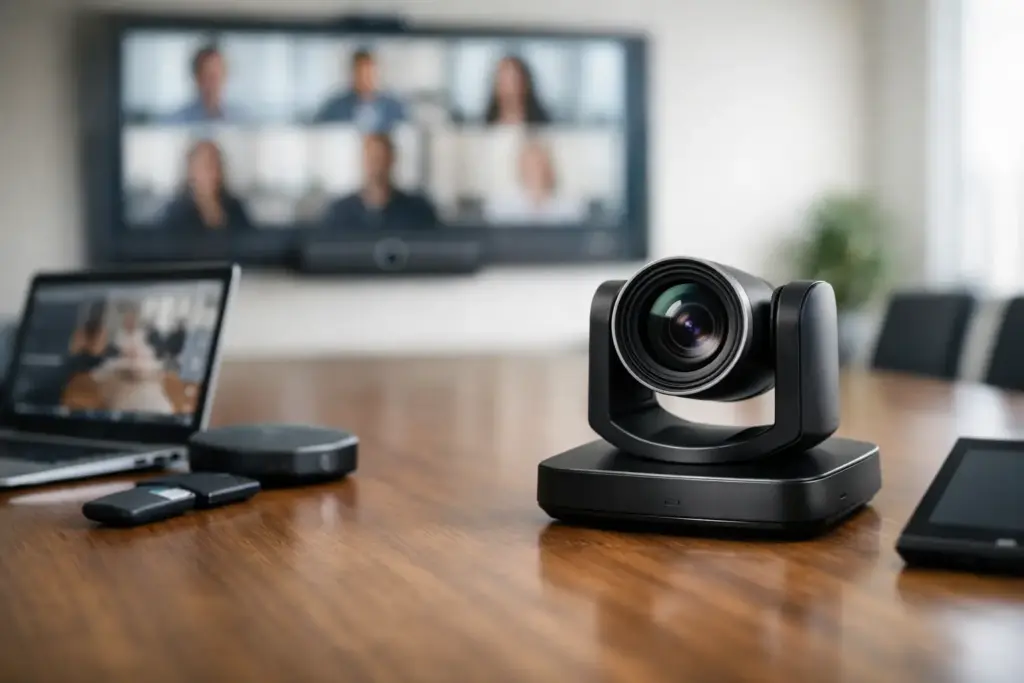
A camera that looks impressive on a product page can still fail in a meeting room. If it cannot frame everyone at the table, pick up remote participants clearly, or work reliably with your chosen meeting platform, it becomes another source of meeting friction. Knowing how to choose conference camera equipment starts with the room and the people using it, not with a resolution number or a brand name.
For business buyers, the right decision also needs to account for standardization, installation requirements, support expectations, and the total cost of deploying the same experience across multiple spaces. A small huddle room, executive boardroom, training room, and divisible conference space should not be treated as identical camera projects.
Start With the Room, Not the Camera
Measure the room before shortlisting devices. Note the table length, the distance from the display wall to the furthest participant, ceiling height, natural light, and where people normally sit or present. These details determine whether a compact USB camera is appropriate or whether the room needs a PTZ camera with optical zoom and a dedicated control system.
A small room for two to six people often suits an all-in-one video bar or a wide-angle USB conference camera. These devices can combine camera, microphone, speaker, and framing technology in one unit, reducing cable runs and simplifying deployment. They are an efficient choice where the display is close to participants and the room does not require frequent camera operation.
Medium meeting rooms usually need more deliberate coverage. A wider field of view may capture everyone near the display, but it can make people at the far end of the table look too small. In this situation, intelligent framing, digital zoom, or a camera with moderate optical zoom can produce a more natural remote meeting experience.
For boardrooms, classrooms, and long conference rooms, prioritize optical zoom and PTZ control. Optical zoom preserves image detail when the camera focuses on a speaker at the far end of the room. Digital zoom simply enlarges part of the image, which can reduce clarity. A PTZ model also allows the camera to pan toward presenters, tilt for standing participants, and store presets for common positions such as the main table, whiteboard, and lectern.
How to Choose Conference Camera Features That Matter
Resolution matters, but it is rarely the first specification to decide. Full HD remains a practical standard for many meeting rooms and uses less bandwidth. A 4K camera provides more detail and gives intelligent cropping systems more image area to work with, especially in larger rooms. However, a 4K camera will not compensate for poor lighting, weak audio, or a badly positioned display.
Field of view is just as important. A wide-angle lens is useful when participants sit close to the camera, but extremely wide views can distort faces at the edge of the frame. For small rooms, look for a camera that can see the full seating area without forcing attendees to sit uncomfortably close together. For larger spaces, look for a camera with a narrower view plus pan, tilt, and zoom capability.
Auto-framing and speaker tracking can add real value, but only when selected for the right use case. Group framing keeps all attendees visible and is effective for routine team meetings. Speaker tracking can be valuable in training rooms and presentation spaces, where the camera needs to follow the person addressing the room. In a busy boardroom, however, constant camera movement can distract remote attendees. A fixed group shot or manually selected preset may be the better choice.
Consider low-light performance if the room has tinted windows, downlights, or variable daylight. Cameras with better image processing can maintain usable video when lighting is less than ideal, but no conferencing camera performs at its best with a bright window directly behind participants. Room layout and lighting adjustments should be part of the project scope.
Treat Audio as Part of the Camera Decision
Video gets attention during procurement, yet poor audio is what makes meetings exhausting. An all-in-one video bar may be ideal for a compact room because its integrated microphones and speakers are designed for that space. Once the room becomes larger, divided by glass, or used by more people, a separate microphone system may be necessary.
Check the microphone pickup range against the actual table layout, not the room dimensions alone. A long table may require expansion microphones, ceiling microphones, or tabletop units so every voice is heard consistently. For open-plan offices, acoustic echo cancellation and background-noise reduction are particularly important, but they cannot fully solve conversations taking place immediately outside the room.
If you are pairing a camera with existing audio equipment, confirm USB compatibility, DSP requirements, and how the system will be managed. Mixed-brand systems can work very well, but they need clear design ownership. A camera, speakerphone, ceiling microphone, and room computer should operate as one meeting experience, not as separate devices that users must troubleshoot before every call.
Match the Device to Your Platform and Workflow
The best conference camera is the one your teams can join meetings with confidently. Before buying, decide whether the room will run Microsoft Teams Rooms, Zoom Rooms, Google Meet hardware, BYOD meetings, or a combination of platforms.
Dedicated room systems offer a consistent experience: users walk in, tap a controller, and join. They are a strong option for high-use rooms, executive spaces, and organizations that need centralized management. BYOD setups can be more flexible and cost-effective for smaller rooms, allowing a laptop user to connect to the room camera and audio with one cable. The trade-off is that the user experience depends more heavily on individual laptops, adapters, and meeting software settings.
Platform certification is worth checking. Certified hardware has been tested for specific room platforms and commonly includes features such as calendar integration, one-touch join, device management, and remote diagnostics. This reduces deployment risk, particularly when standardizing across offices.
Also consider how the camera connects. USB is straightforward for laptop-based rooms and many room computers. HDMI may be used in more specialized AV environments. Network-connected cameras can support centralized control and longer cable runs, but they require IT coordination around network configuration, power, and security.
Plan Camera Placement Before Installation
Mounting height and position have a major effect on the final result. The camera should generally be centered above or below the room display, at a height that creates a natural eye line for remote participants. A camera mounted too high can make everyone appear to look down. A camera placed far to one side creates an awkward angle and makes face-to-face discussion feel less direct.
Do not assume a display-mounted camera is always the answer. In a large boardroom, a camera closer to the participants may deliver a better image than one mounted on a distant wall. In training rooms, a second camera can be justified when teams need to show both the presenter and the audience. Multiple-camera designs cost more and require proper switching or intelligent camera control, but they can solve visibility issues that a single device cannot.
Cable routing, power access, and service access should be considered before selecting mounting hardware. A clean installation protects the investment and makes the room easier for facilities and IT teams to maintain.
Compare Total Deployment Cost, Not Just Unit Price
A lower-cost camera can become expensive if it requires additional adapters, microphones, mounting hardware, or technician time to make it work. Conversely, a premium video bar may reduce installation complexity by consolidating functions into one device. The right commercial decision depends on the room, deployment scale, and expected meeting volume.
For multi-room projects, standardizing on a small number of approved camera models can simplify training, spares, support, and purchasing. It also gives users a familiar experience regardless of which room they enter. That does not mean every room should receive the same hardware. A sensible standard often includes one solution for huddle spaces, another for standard meeting rooms, and a PTZ-based design for larger or presentation-focused spaces.
When comparing options, assess warranty coverage, replacement availability, firmware support, remote management, and installation assistance alongside the purchase price. These factors matter most after rollout, when a failed room can disrupt customer calls, interviews, classes, and executive meetings.
A Practical Shortlist for Buyers
Before requesting a quote, define the room type, seating capacity, primary platform, display size, audio requirements, mounting preference, and budget range. Then confirm whether the solution needs intelligent framing, PTZ presets, wireless sharing, a touch controller, or centralized management.
e365 SuperStore can help business and education buyers compare conference camera options across leading collaboration brands, with solution guidance for single rooms or larger standardized deployments. The strongest purchase is not necessarily the camera with the longest specification sheet. It is the one that makes every person in the room easy to see, easy to hear, and easy to include.