


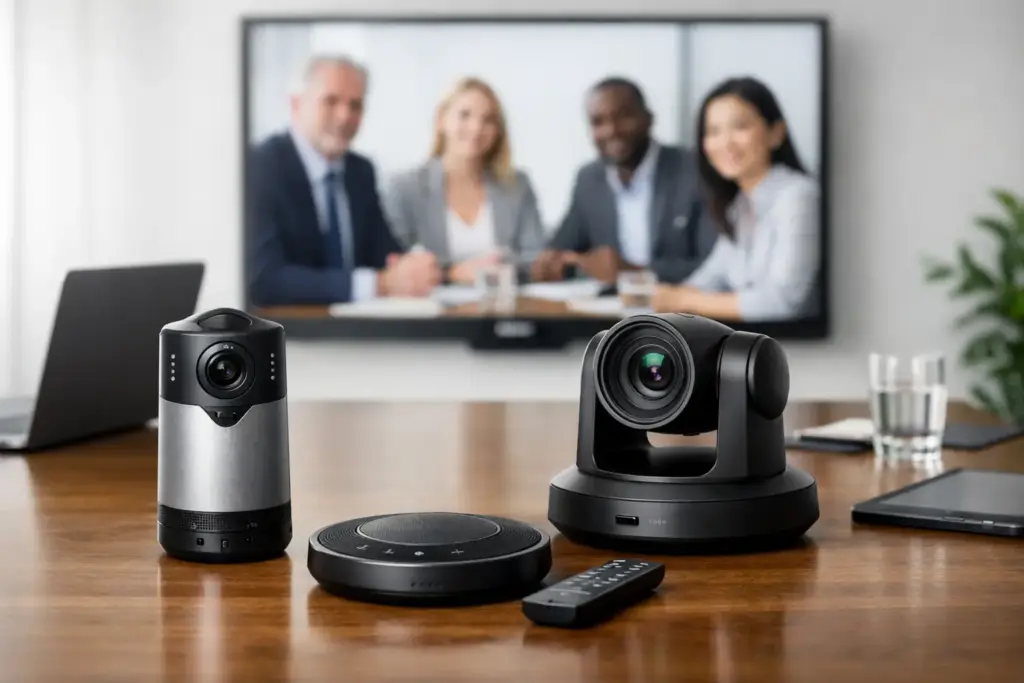
A remote participant should not have to guess who is speaking, squint at a whiteboard, or watch an empty chair while the conversation happens off camera. That is the practical standard behind the best AI conference cameras. For business buyers, the right choice is not simply the camera with the highest resolution. It is the device that keeps people framed correctly, works with the room’s conferencing platform, and remains simple for employees to use every day.
AI-driven framing has moved from a premium feature to a core requirement for hybrid meetings. The commercial difference is clear: a well-selected camera reduces meeting friction, improves remote participation, and helps standardize room experiences across sites. But AI features vary widely, and a compact huddle room needs a very different solution than a long boardroom.
What Makes the Best AI Conference Cameras Different?
An AI conference camera uses onboard intelligence to detect people, adjust the field of view, follow a presenter, or create individual participant views. Rather than leaving a fixed wide-angle image on screen, it actively makes the remote experience more useful.
The most valuable capability for many meeting rooms is group framing. The camera recognizes the people in the room and crops or zooms to place them appropriately in the image. Speaker tracking goes a step further by prioritizing the person currently talking. Multi-stream or intelligent gallery modes can present several close-up participant views at once, depending on the device and conferencing platform.
These features are not interchangeable. Speaker tracking can be highly effective in training rooms and executive briefings, where one person presents for extended periods. In a fast-moving workshop, constant switching can feel distracting. Group framing is often the safer default for standard meetings because it keeps context visible without chasing every voice.
Camera intelligence also cannot solve a poorly planned room. If participants sit behind a bright window, speak from 25 feet away, or use a low-quality laptop microphone, even an excellent AI camera will have limits. Buyers should assess the complete room system: camera position, display size, microphone coverage, acoustics, cabling, compute, and the platform employees actually use.
Best AI Conference Cameras by Room Type
Huddle rooms: Logitech MeetUp 2 and Poly Studio R30
Small rooms need a wide field of view, fast framing, and simple USB deployment. The Logitech MeetUp 2 is designed for this environment, pairing an ultra-wide camera with AI-enabled framing in a compact conference camera format. It is a strong fit where teams use a dedicated room computer or connect their own laptop for Microsoft Teams, Zoom, Google Meet, or another supported application.
The Poly Studio R30 is another compelling huddle-room choice. Its intelligent framing and close-range coverage suit compact spaces where attendees are seated near the display. This class of device is typically easy to mount above or below a screen and can eliminate the need for separate camera, microphone, and speaker purchases in a small room.
The trade-off is room depth. A huddle-room video bar is not designed to make people at the far end of a 20-person boardroom look equally clear. Using it in an oversized room may save money at purchase, but it usually creates a poor meeting experience and a premature replacement cycle.
Medium rooms: Jabra PanaCast 50 and Logitech Rally Bar Mini
For rooms accommodating roughly six to ten people, the Jabra PanaCast 50 is a standout option. Its panoramic coverage and Virtual Director intelligence are particularly useful in wider rooms where a conventional camera may miss people seated at the edges. It is also a practical choice for organizations that want integrated audio and video without filling the table with separate peripherals.
The Logitech Rally Bar Mini is built for a more traditional medium-room layout. Its AI ViewFinder supports automatic framing, while its PTZ camera design provides optical zoom that can better serve deeper rooms than a fixed-lens huddle camera. It can run in appliance mode for a dedicated Teams or Zoom room, or operate as a USB peripheral with a room PC.
That flexibility matters to IT teams. Appliance mode can reduce day-to-day complexity because the room launches directly into the conferencing platform. USB mode may be preferable where the organization has standardized on PCs, uses multiple meeting applications, or needs tighter control over room compute. The camera should fit the operating model, not force a new one.
Large rooms: Logitech Rally Bar and Yealink MeetingBar A30
Large conference rooms need more than broad coverage. They need optical zoom, reliable speaker pickup, and framing that does not reduce distant participants to small faces in a wide shot. The Logitech Rally Bar is a proven all-in-one option for larger rooms, combining a PTZ camera with intelligent framing, integrated speakers, and microphone expansion options.
The Yealink MeetingBar A30 is also well suited to larger rooms and platform-focused deployments. Its dual-camera design combines wide room coverage with a separate telephoto view, allowing AI functions to create a more useful image than one fixed camera can provide. For Teams Rooms or Zoom Rooms projects, this style of device can offer a clean, integrated installation with fewer components to manage.
Buyers should review microphone extension requirements before ordering. Video may look excellent while participants at the far end of a long table still sound distant. In larger spaces, additional table microphones, ceiling microphones, or a purpose-designed room audio system are often essential rather than optional.
Training rooms and boardrooms: Poly Studio E70 and modular systems
Some rooms do not suit an all-in-one video bar. Large boardrooms, divisible spaces, classrooms, and executive briefing rooms often require a modular approach. The Poly Studio E70, for example, uses dual cameras and AI-driven framing to capture both a broad room view and detailed participant views. It is designed for installations where video quality and intelligent framing are priorities.
A modular system costs more and requires more planning, but it provides better results in challenging rooms. Separate cameras can be positioned correctly, microphones can cover every seat, and AV control can be integrated with displays, room scheduling, and automation. For high-visibility rooms, that investment is easier to justify than trying to stretch a single video bar beyond its intended role.
How to Choose an AI Camera Without Overbuying
Start with the room, not the product list. Measure the distance from the camera wall to the furthest participant, identify the widest seating position, and note whether meetings are conversational, presentation-led, or training-focused. A room’s intended use determines whether automatic group framing, speaker tracking, presenter tracking, or multi-camera intelligence will deliver real value.
Next, confirm platform compatibility. A Microsoft Teams Rooms deployment should use certified Teams hardware and a supported room configuration. The same principle applies to Zoom Rooms. USB cameras offer broad application compatibility, but they may not expose every intelligent feature in every software client. Confirm the workflow before standardizing across dozens of rooms.
Resolution alone should not dominate the decision. A 4K sensor is useful for digital cropping and detailed participant views, but optical zoom, low-light performance, camera placement, and room lighting can matter more. Consider privacy requirements as well. Organizations may prefer a physical privacy shutter, a visible camera-status indicator, or centralized management that allows IT administrators to monitor device health and apply updates.
For multi-site rollouts, management is a commercial requirement, not an afterthought. Choose devices that can be monitored, updated, and configured at scale. Standardizing on fewer models can simplify support, spare-device stocking, employee training, and meeting-room documentation.
A Better Procurement Approach for AI Meeting Cameras
The strongest purchase decision pairs product selection with a deployment plan. Specify the room type, number of seats, conferencing platform, display arrangement, mounting location, microphone coverage, and network requirements. This prevents a common procurement problem: buying a camera that appears capable on a spec sheet but does not fit the physical room or the organization’s support model.
For buyers comparing several brands, request a commercial quote that covers the full system rather than only the camera. Mounts, extension microphones, touch controllers, room compute, cables, installation, and support can materially change the final project cost. They also determine whether the finished room works as intended on day one.
e365 SuperStore helps organizations source professional conference camera systems with the technical guidance, competitive pricing, and deployment support required for business-critical collaboration spaces. A suitable AI camera should make meetings feel less like a technology exercise and more like a conversation where every participant has a place in the room.